

Running a Shopify store means making changes all the time.
You update products.
You test themes.
You replace images.
You edit pages.
You import data.
You try new apps and workflows.
That is normal.
The problem is that even small changes can create bigger issues than expected. A product can be deleted by mistake. A theme update can break part of the storefront. Files can go missing. Collections, pages, or blog content can change in ways that are hard to undo.
That is why store protection matters. Not after something breaks. Before.
Why accidental changes are a real risk for Shopify merchants
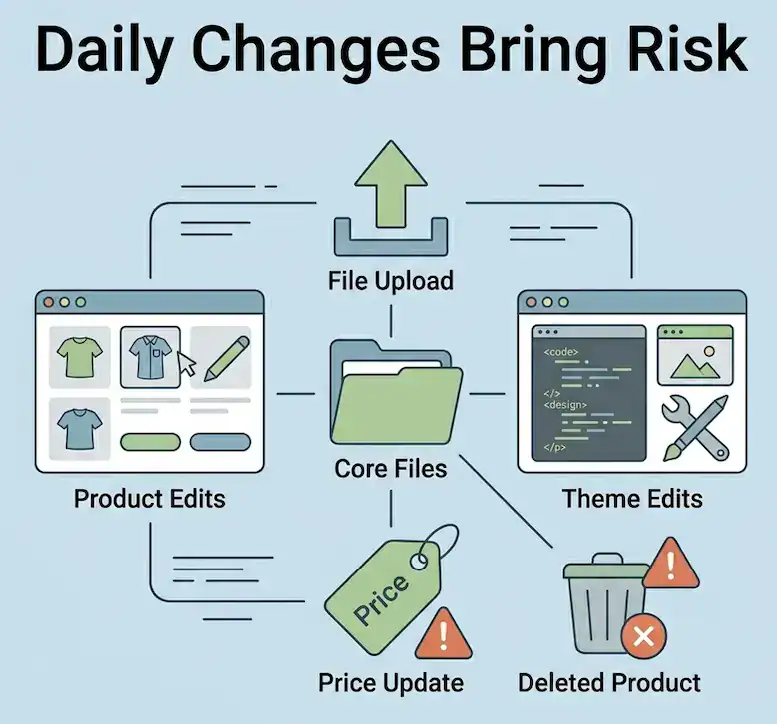
Most store problems do not start as major disasters. They start with normal day-to-day work.
A team member updates a product incorrectly.
A theme customization causes layout issues.
A bulk edit changes the wrong data.
A migration or test does not go as planned.
An app update affects store content unexpectedly.
When this happens, the biggest problem is usually not the mistake itself. It is the time it takes to recover. Merchants may need to rebuild products, reupload files, fix layouts manually, or retrace changes one by one.
That can slow down operations, create stress, and affect sales.
What store data is most at risk
When people think about backup, they often think only about products. But accidental changes can affect much more than that.
Important store data can include:
- Products
- Orders
- Themes
- Files
- Blog posts
- Pages
- Collections
- Videos
- Other store content and settings
If your store changes often, any of these areas can become a risk point.
Common causes of accidental changes in Shopify
Accidental changes usually come from routine work, not unusual events.
1. Theme updates and edits
A theme change may look small at first, but it can affect layout, navigation, product pages, or content visibility.
2. Product and collection edits
Bulk edits save time, but they also increase the chance of changing the wrong information.
3. File replacements
Replacing or removing media files can affect product pages, blogs, and other content across the store.
4. App or integration changes
Some apps interact with store data in ways that are not always obvious until something changes.
5. Migration and testing workflows
When merchants test changes or prepare to move data, there is more room for mistakes if there is no easy fallback.
How to protect your Shopify store from accidental changes
The goal is not to stop making changes. The goal is to make changes more safely.
1. Back up your store before problems happen
This is the most important step.
A backup gives you a safer starting point before risky edits, updates, imports, or migrations. Instead of relying on manual rebuilding, you have a way to recover store data if something goes wrong.
2. Use real-time backup protection when possible
For stores that change often, real-time backup protection helps reduce the gap between store activity and protection.
This matters if you are updating products frequently, testing new content, or managing a large catalog.
3. Make restore speed part of your backup plan
Backup is only half the story. Recovery matters too.
If a mistake happens, merchants need a practical way to restore products, files, themes, or store content without turning the fix into a long manual project.
4. Keep backup access in a safer place too
Some merchants want more confidence in how and where backup files are stored. External access options, such as Google Drive sync, can add another layer of reassurance and convenience.
5. Use duplicate or clone workflows for safer testing
Testing is important, but it should not feel risky.
Duplicate or clone workflows can help merchants prepare for changes, migrations, or experiments without putting the live store under unnecessary pressure.
6. Schedule backup downloads regularly
A regular backup routine helps merchants stay prepared without having to remember every time. Daily or weekly scheduled downloads can support a more consistent protection process.
A practical backup workflow for Shopify merchants
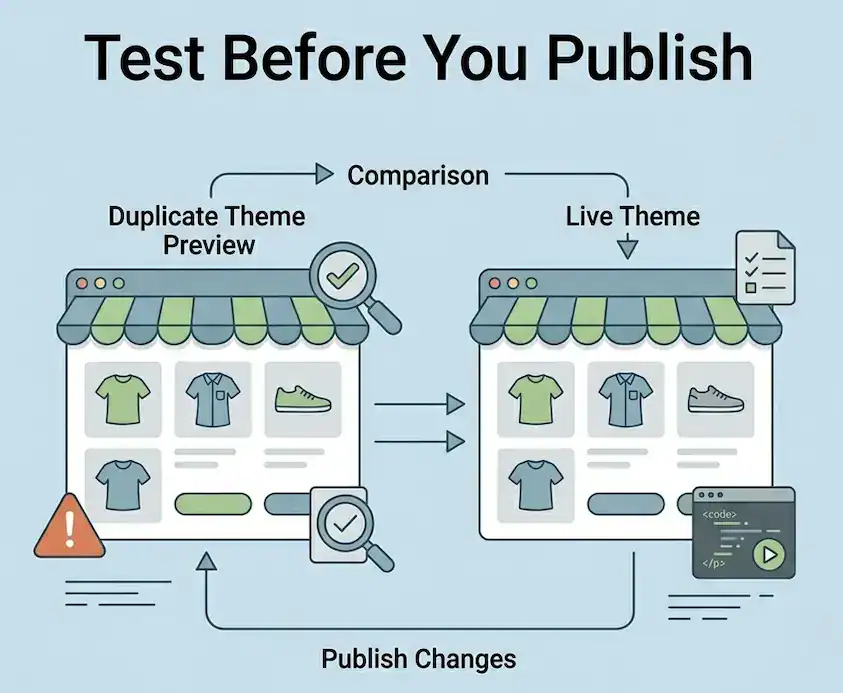
If you want a simple approach, use this workflow:
- Keep backup protection active as part of normal store operations.
- Back up before major theme edits, imports, or migrations.
- Use duplicate or clone workflows before risky testing.
- Make sure restore steps are clear and easy to access.
- Keep external backup access available if that matters to your workflow.
- Review your backup routine regularly as the store grows.
This is especially useful for:
- Growing Shopify stores making frequent changes
- Stores with many products and files
- Merchants testing new themes or content
- Agencies managing client store updates
Why backup is not just about disasters
Many merchants think backup is only for worst-case scenarios.
In reality, backup is also about working with more confidence.
When you know your store is protected, it becomes easier to test, update, improve, and grow without feeling like every change carries too much risk.
That is a more practical way to think about store protection.
Introduce Syncora Backup & Restore App
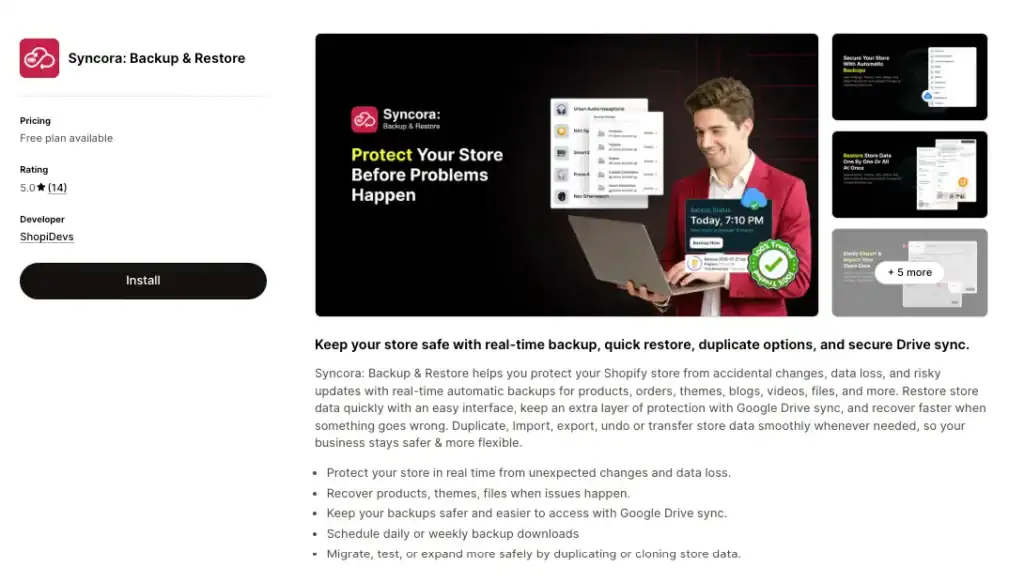
Syncora: Backup & Restore is built for merchants who want proactive store protection, not just a app for after the damage is done.
It helps Shopify merchants protect store data with features such as:
- Real-time backup
- Quick restore
- Google Drive sync
- Duplicate and clone workflows
- Import and export support
- Scheduled backup downloads
The focus is simple: help merchants recover faster, work more safely, and protect their store before problems happen.
Final thoughts
Accidental changes are part of running an active Shopify store. They happen during normal work, and they often happen when teams are moving quickly.
The right response is not to avoid change. It is to build a safer process around it.
A practical backup and restore workflow can help protect your products, themes, files, and content before a small mistake becomes a bigger store problem.

I’m a digital marketing expert with a deep understanding of Shopify App Store optimization. I contribute insightful articles on Shopify to help businesses thrive online.